
Donate via Wise.com
Follow these steps to donate securely through Wise.com
Step 1: Open Wise.com and log in
Go to wise.com or open the Wise app, then log in to your account.

Step 2: Choose Send Money
Click Send to start a new transfer.
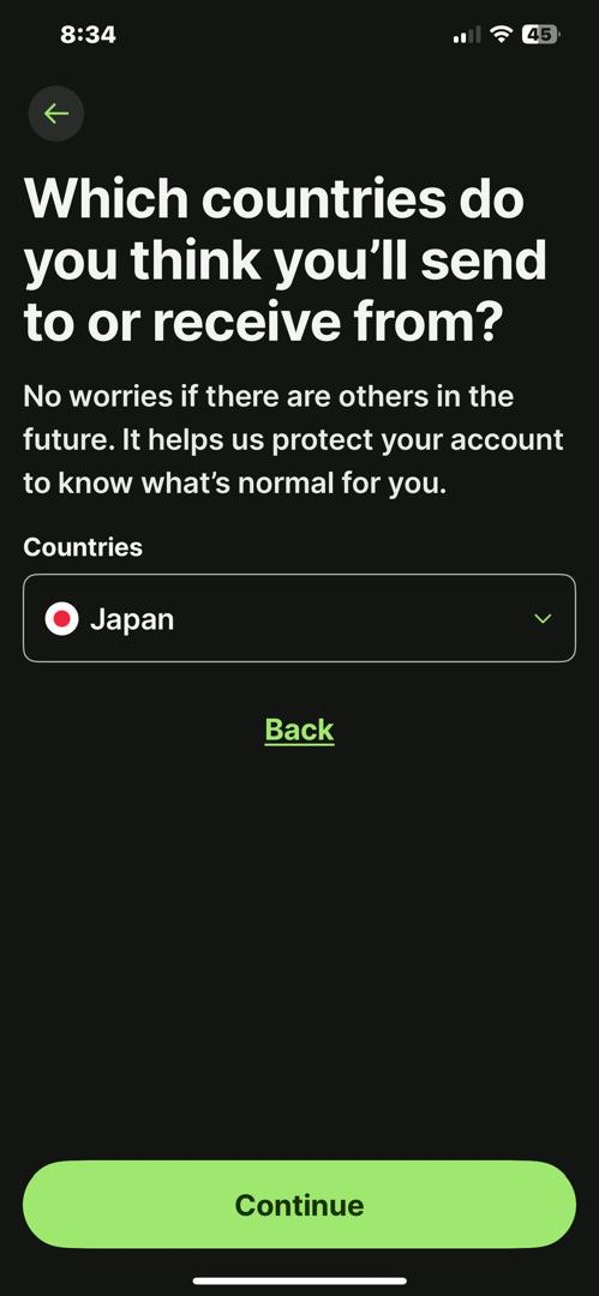
Step 3: Select the currency and amount
Enter the amount you wish to donate. Select the correct sending and receiving currency.
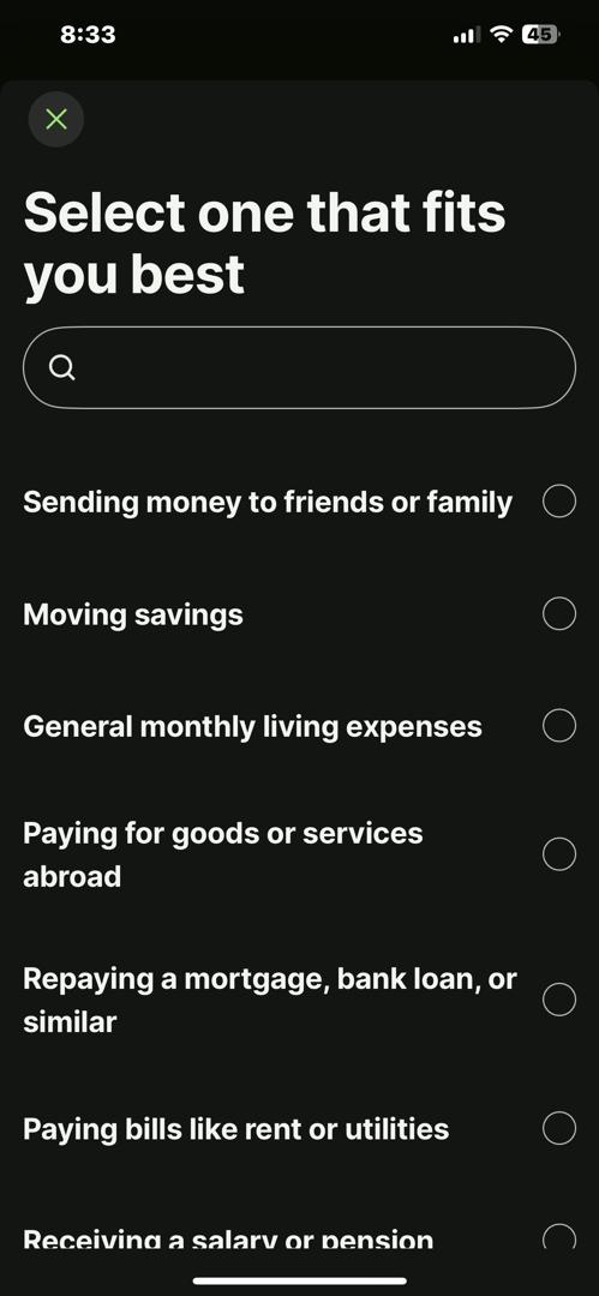
Step 4: Choose transfer type
Select a transfer speed and fee option that suits you.
Select: "Sending money to friends"
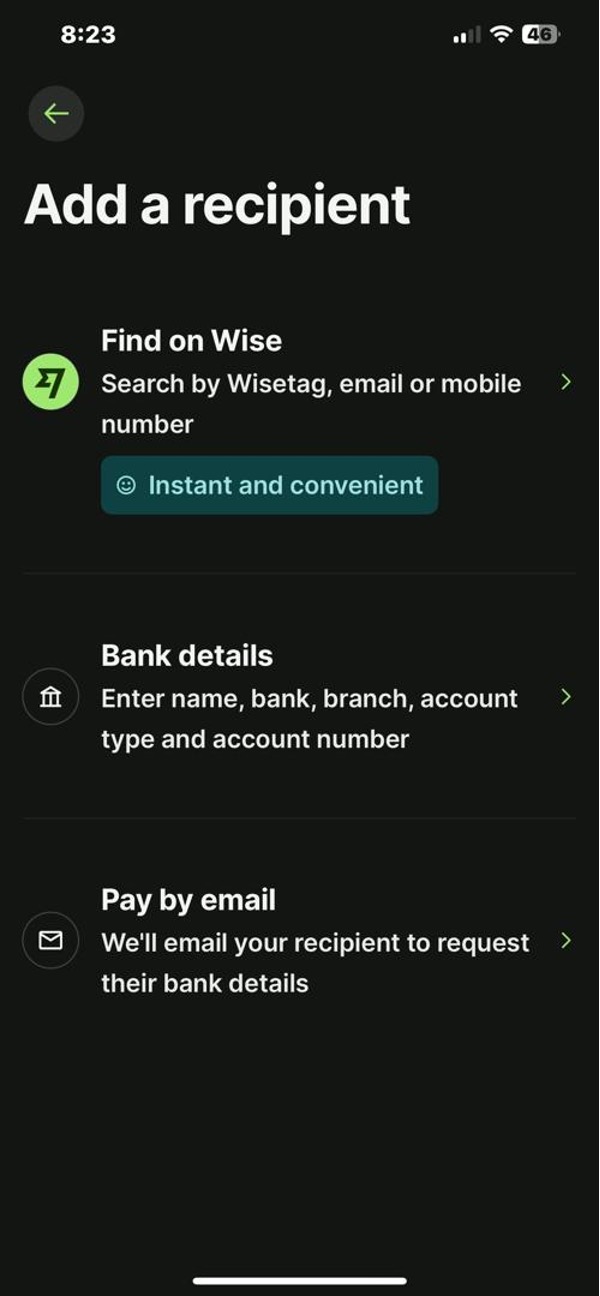
Step 5: Add recipient details
Add the association's bank account as the recipient. Use the official bank details listed on our Donate page.
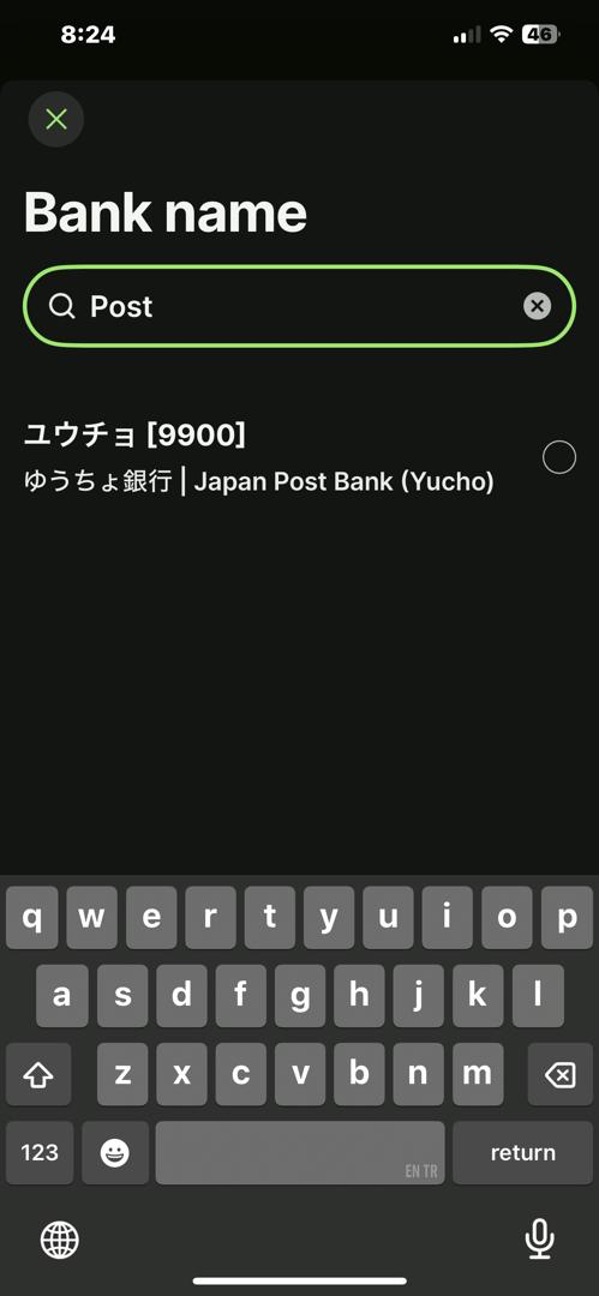
Step 6: Review recipient name and account
Confirm the recipient information matches the association's details before proceeding.
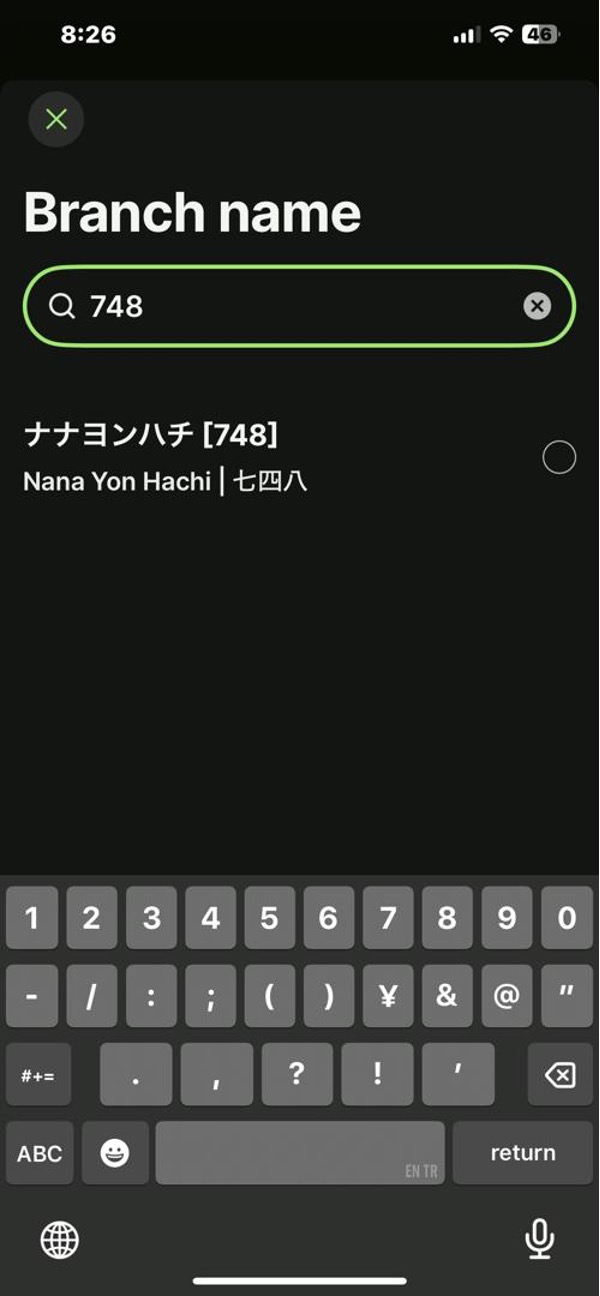
Step 7: Add a reference (optional)
You may add a reference such as “Fukuoka-Ito Mosque Donation”.
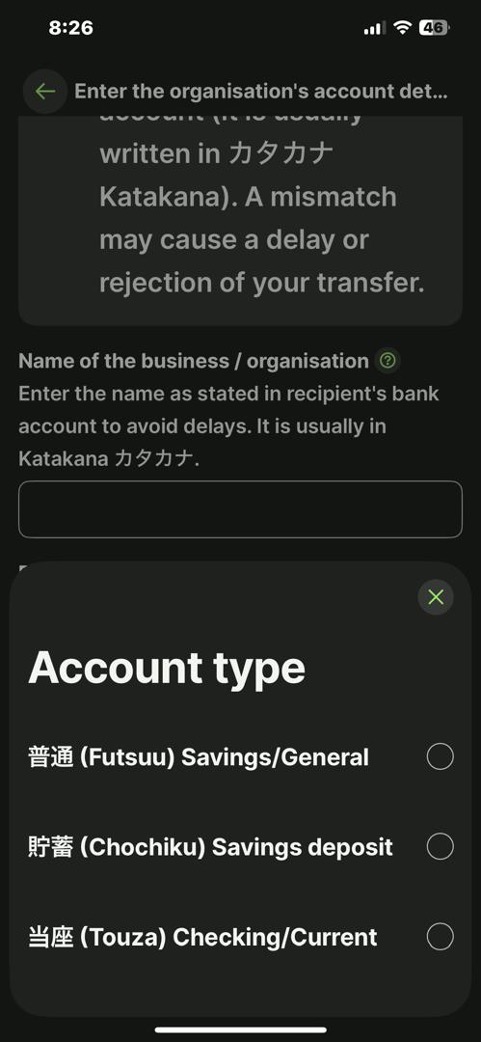
1. Choose: futsu savings/general
2. Account holder name (copy and paste this character ):
シャ)フクオカイトコクサイブンカコウリュウキョウカイ
Step 8: Choose your payment method
Select your preferred funding method (e.g., bank transfer, card) and follow the prompts.
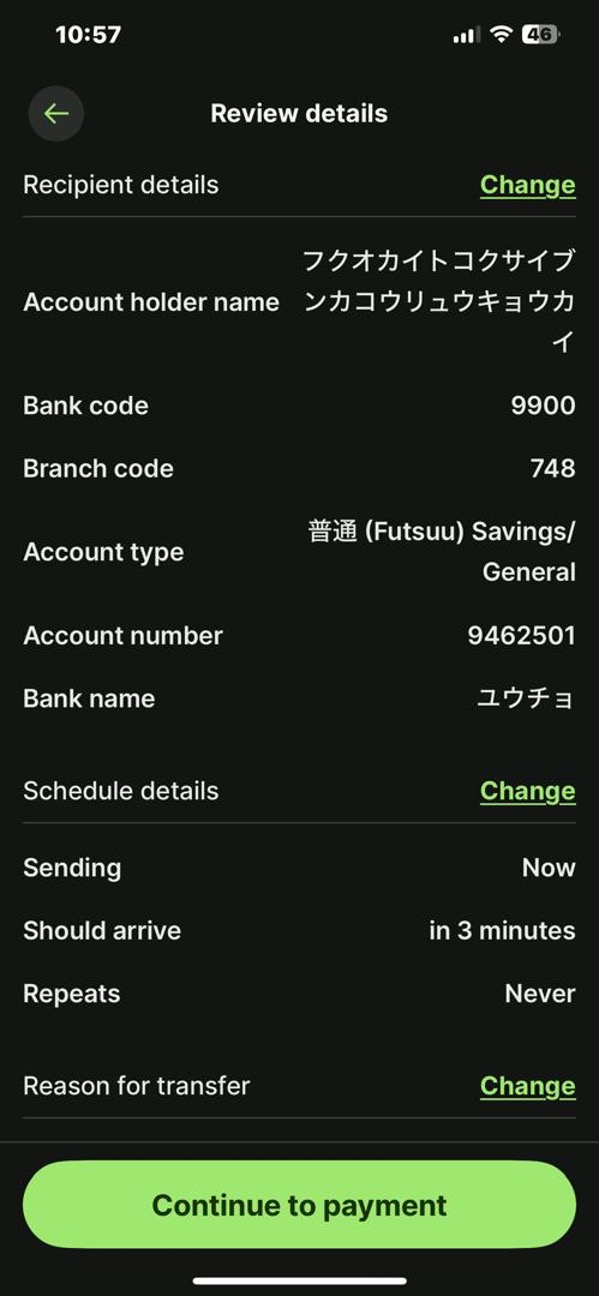
Step 9: Review and confirm your transfer
Double-check all details and confirm the transfer to complete your donation.
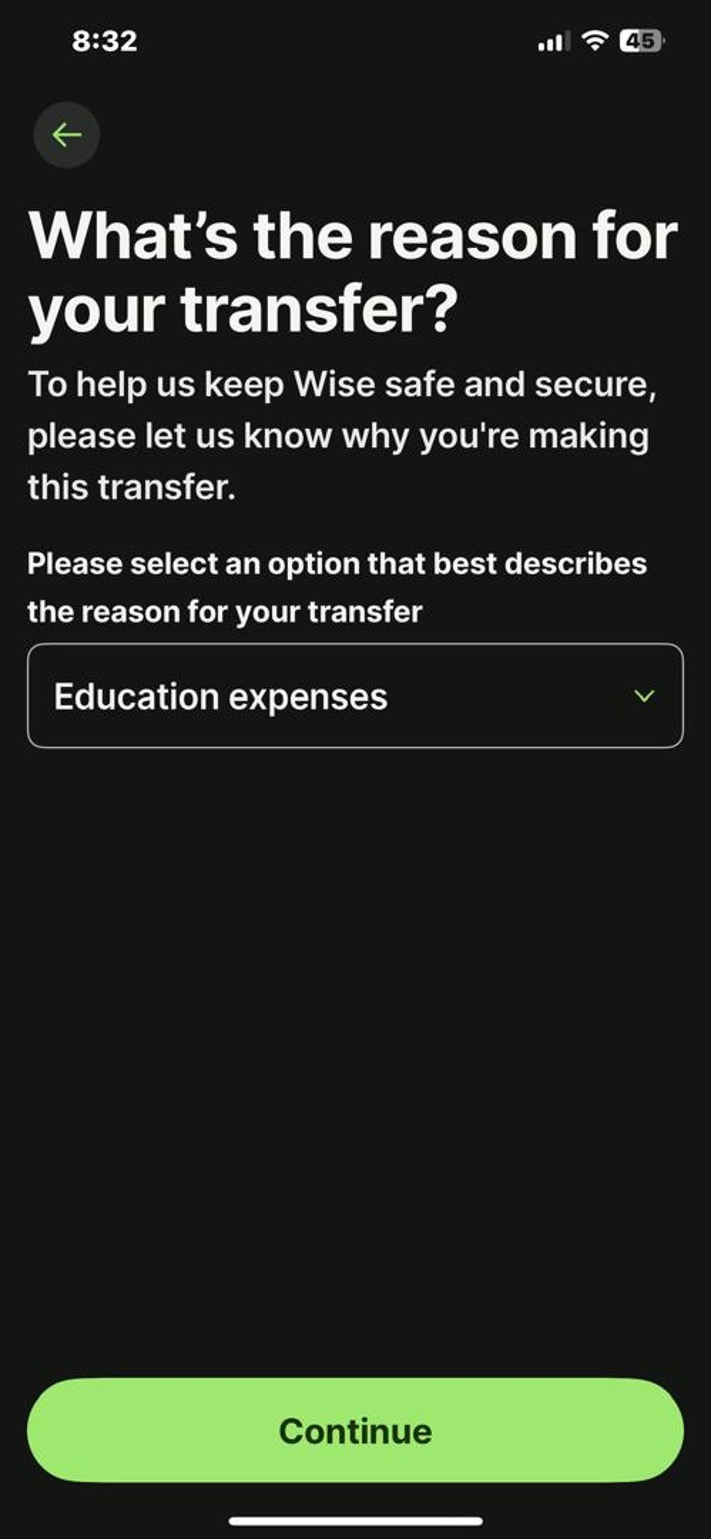
Need the bank details?
You can find the official bank account information on the main Donate page.
Go to Donate page